Why Your Phone May Be Charging Slowly
The cable is not always the problem. A simple way to narrow down what is happening.
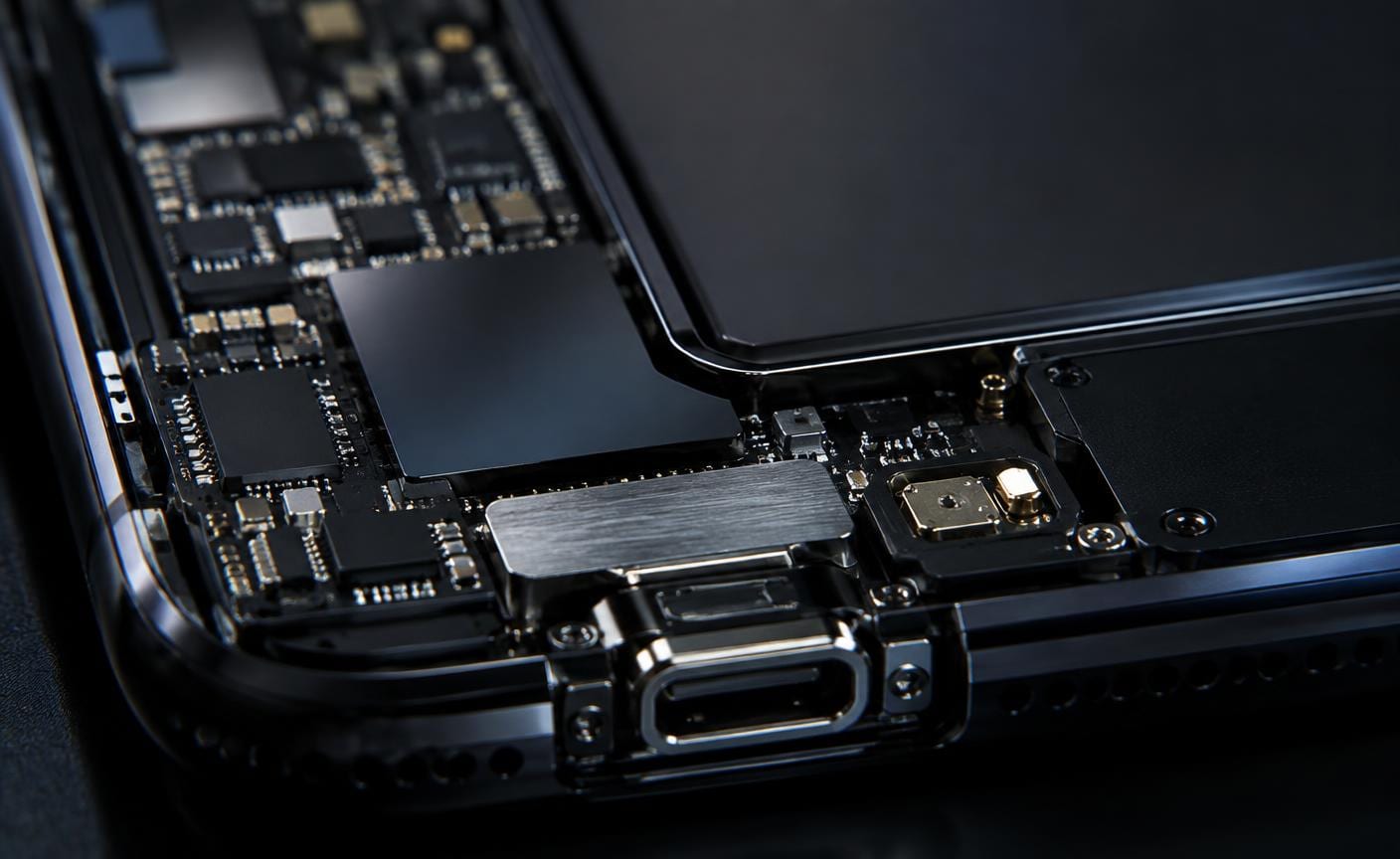
Slow charging can come from the charger, cable, charging port, battery or the phone itself. A few careful checks can help you describe the issue accurately before arranging a repair.
Start with the power source
Charging from a laptop USB port may be slower than using a compatible wall adapter. Try another known-working outlet and charger that suits your device. Charging speeds also vary according to battery level and device settings.
Check the cable and connector
Inspect for fraying, bent ends or a loose fit. Try a different compatible cable. If charging starts and stops when the cable moves, avoid forcing it into position; the cable or port may need attention.
Look for heat and background activity
A hot phone may reduce charging speed to protect itself. Intensive apps, navigation and a bright screen use power while the device charges. Let the phone cool and try charging with the screen off.
Know when to seek a diagnosis
If several known-working chargers and cables produce the same result, the charging flex, port or battery may need inspection. Do not insert sharp objects into the charging port or attempt to open the phone without the right equipment.
Try a known-working compatible charger and cable first. Persistent slow charging is worth diagnosing rather than guessing at a replacement part.
This article is general information, not a diagnosis for a specific device. If you need help with your phone, contact Sulfur Tech about your particular issue.