What to Do When Your Phone Gets Wet
The first few decisions matter. What to do, what to avoid, and when to ask for help.
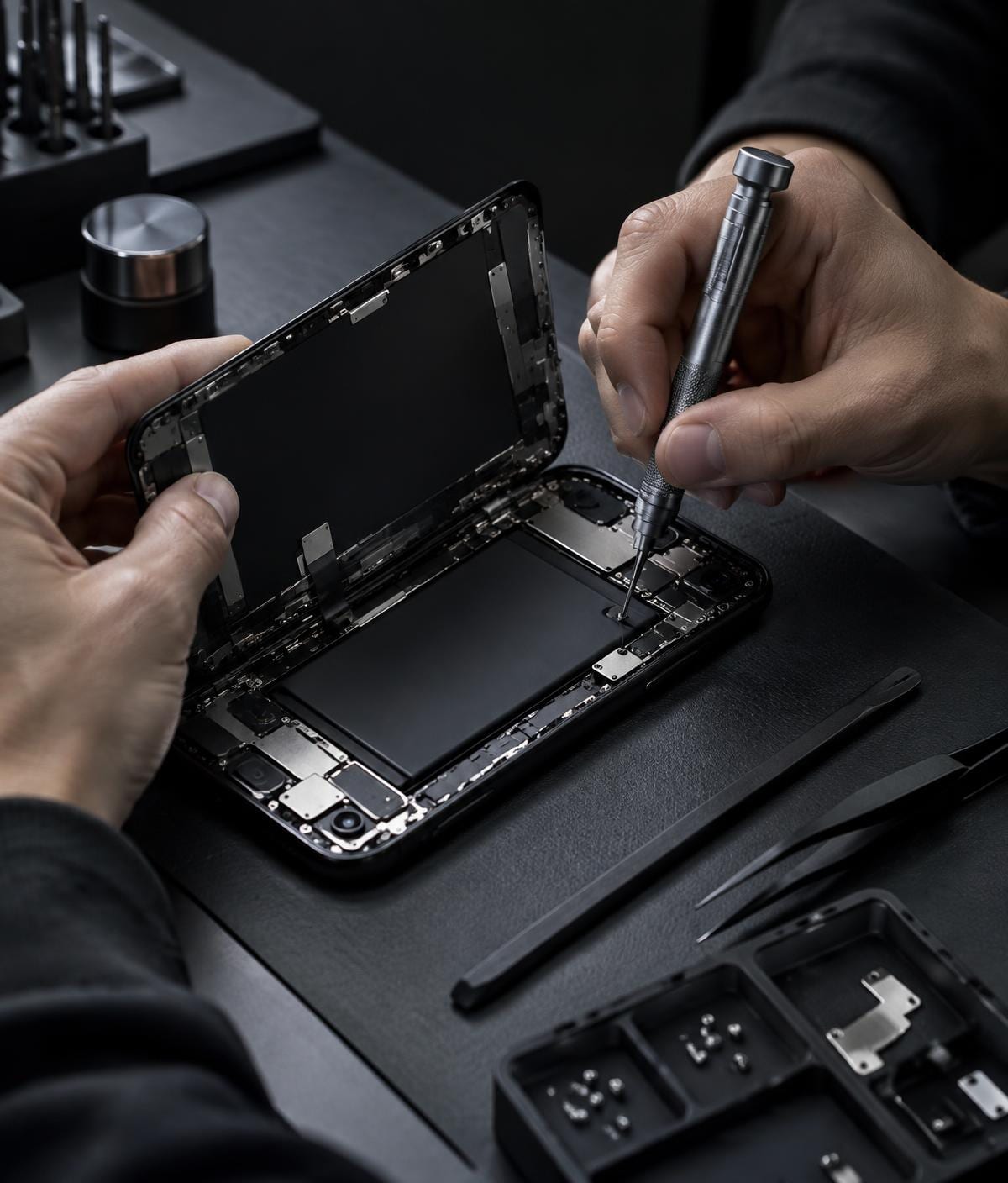
Water exposure is stressful, but rushing to test a wet phone can make things worse. Your priority is to stop power flowing through wet components and arrange an assessment if needed.
Turn it off and disconnect it
If it is safe to do so, switch the phone off. Unplug any charging cable and remove external accessories and the case. Do not connect it to power to see if it still works.
Dry the outside gently
Wipe visible moisture with a soft cloth. Hold the phone so liquid can drain away from openings. Avoid heat guns, hair dryers and compressed air, which can push moisture further inside or damage components.
Skip the rice
Rice does not reliably remove moisture trapped inside a phone, and dust can get into openings. Allow the device to air in a dry, ventilated place while you arrange professional assessment.
Get it checked
Liquid can cause corrosion after the surface looks dry. If the phone was submerged, exposed to a sugary or salty liquid, or behaves differently afterwards, ask for a diagnosis. Water resistance also changes with age and damage; it is not a guarantee against liquid ingress.
Do not charge or repeatedly switch on a wet device. Power it down, dry the exterior and seek assessment when liquid may have reached the inside.
This article is general information, not a diagnosis for a specific device. If you need help with your phone, contact Sulfur Tech about your particular issue.