
SULFUR.TECH
01Repairs / Sulfur Tech

Restore what you already own.

A clear look at common phone problems, what we check and the repair that may follow. Every device starts with an assessment.

01.1Repair brief builder

Start with your device.

Answer three short questions and send us a clear description in one step.

Step 01 / Your device
Step 03 / What is happening
Your repair brief

Choose your device and what is happening with it. We’ll outline what gets checked, which components may be involved and how to prepare, then you can send it to us in one step.

01.2Service catalogue

Find the right starting point.

These are repair areas, not pre-diagnosed fixes. Tell us the exact device and symptoms.

01 / Display
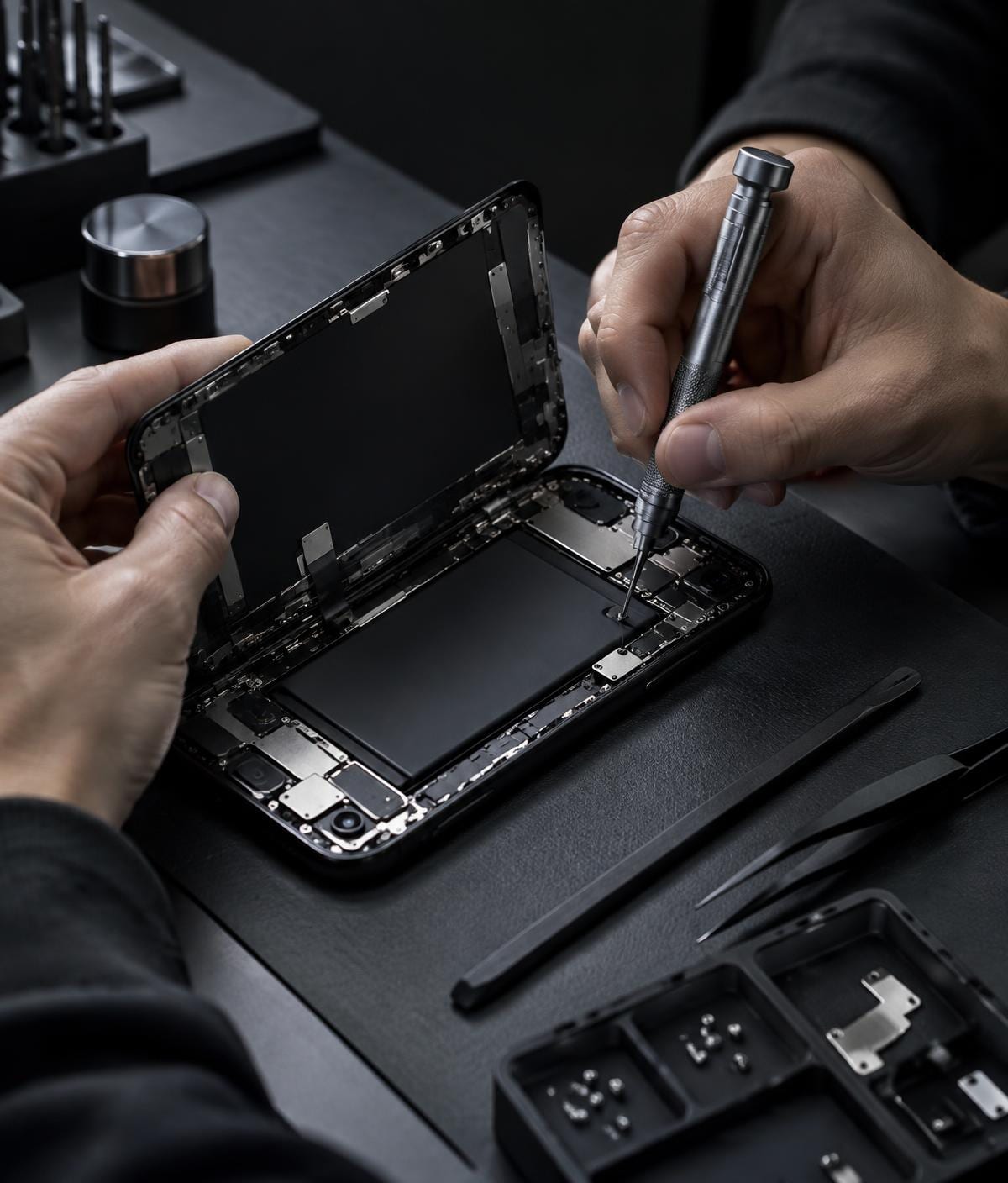
Illustrative phone component detail

LCD / screen replacement

Common signs
Cracked glass, dead pixels, lines, black screen or unresponsive touch.
What we check
We check the display and touch response to determine whether the screen assembly needs replacing.
Before the repair
Replacement depends on the exact phone model and the screen type it uses.
02 / Power & charging
Illustrative phone component detail

Charging flex replacement

Common signs
Intermittent charging, a loose connection or a port that no longer charges.
What we check
We check the cable, power source and port before considering the charging flex assembly.
Before the repair
The port assembly differs by model; diagnosis comes before part selection.
03 / Power & charging
Illustrative phone component detail

Battery replacement

Common signs
Short runtime, unexpected shutdowns or a battery that will not hold a charge.
What we check
We review battery health and charging behavior to see whether replacement is appropriate.
Before the repair
If a battery is swollen or unusually hot, stop using or charging the phone and ask for an assessment.
04 / Hardware
Illustrative phone component detail

General hardware repairs

Common signs
A physical fault affecting a button, speaker, camera or other hardware.
What we check
We inspect the affected function and discuss a repair based on what we find.
Before the repair
The work required depends on the device and the actual fault.
05 / Assessment
Illustrative phone component detail

Diagnostics

Common signs
A device behaving unexpectedly when the cause is not clear.
What we check
We gather the symptoms, inspect relevant functions and identify likely causes.
Before the repair
You can discuss the findings before agreeing to any repair.
01.3The repair process

From issue to action.

Know what happens at each stage and when you make the decision.

01

Diagnose

Tell us your phone model and what has changed. We assess the symptoms and check the relevant parts before suggesting a fix.

02

Recommend

We explain what we found, which repair may help and what needs to be confirmed, including the part and price, before you decide.

03

Repair

Once you agree to the work, we carry out the agreed repair and check that the affected function works as expected.

04

Restore

We review the result with you and return your device, explaining any care or follow-up points relevant to the repair.

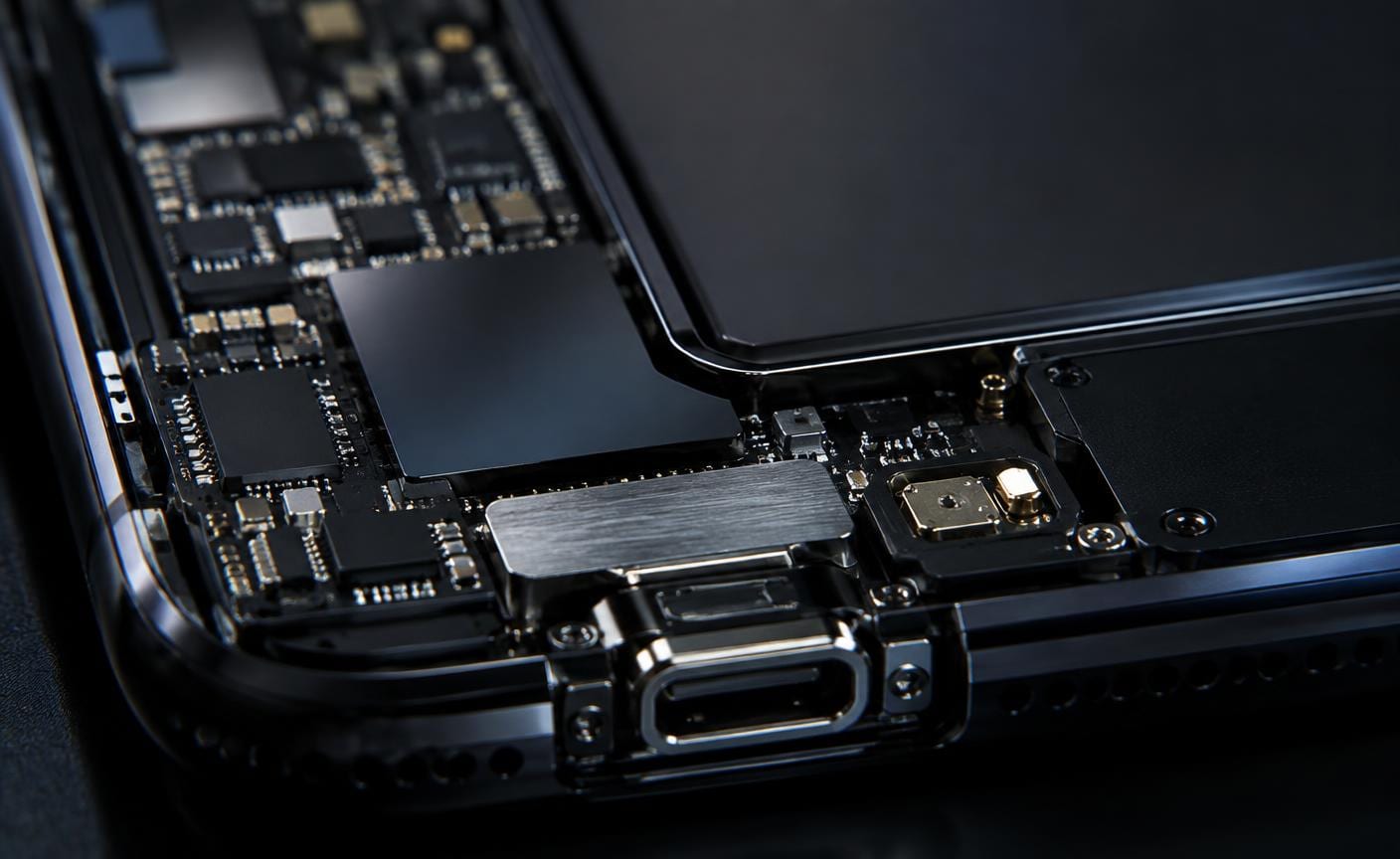
Detail of smartphone internal circuitry
01.4Start here

Tell us what’s happening.

Share your phone model and what changed. We’ll discuss the next step with you.