7 Things That Can Quietly Damage Your Phone Battery
Everyday habits can affect how long a battery stays useful. Here are seven worth paying attention to.
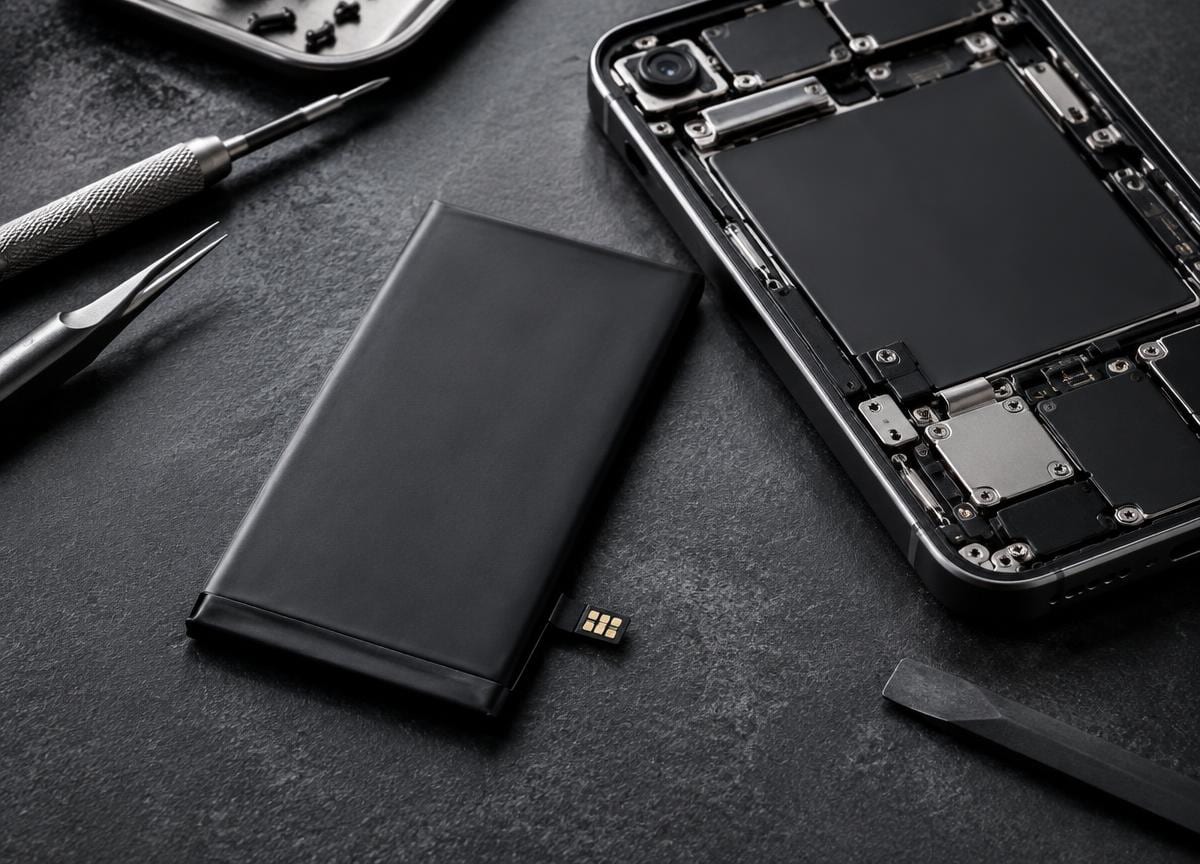
A phone battery wears down gradually. You cannot stop that process entirely, but the way you charge, store and use your device can make a difference. These seven habits are worth reconsidering.
01 / Heat is the first warning sign
Leaving a phone in direct sunlight, inside a hot car or under a pillow while charging traps heat. Batteries age faster at high temperatures. Move the device into a cooler, ventilated place and let it cool before charging if it feels unusually hot.
02 / Constantly draining to zero
You do not need to run a modern phone battery flat before charging it. Frequent deep discharges put extra strain on lithium-ion cells. Charging when convenient is generally better than waiting for an empty battery.
03 / Poor-quality charging accessories
Damaged cables, loose connectors and poorly made adapters can cause unstable charging or excess heat. Use a compatible, reputable charger and replace visibly worn cables.
04 / Heavy use while charging
Games, video recording and other intensive tasks can warm a phone while it is already charging. If the device becomes noticeably hot, pause demanding tasks and let it charge without the extra load.
05 / Leaving a phone unused and empty
If you are storing a device for a while, do not put it away with an empty battery. A partial charge and a cool, dry storage place are kinder to the battery. Check it periodically.
06 / Ignoring charging-port problems
A cable that only works at an angle may indicate debris, a worn cable or a damaged port. Do not force the connector. Try another compatible cable and seek a diagnosis if the problem continues.
07 / Overlooking battery health changes
Unexpected shutdowns, swelling, unusual heat or sharply reduced runtime deserve attention. A swollen battery should not be pressed, punctured or charged. Stop using the device and ask a repair professional to assess it.
Notice heat, physical changes and charging behavior early. If your battery seems unsafe, stop using the phone and get it assessed.
This article is general information, not a diagnosis for a specific device. If you need help with your phone, contact Sulfur Tech about your particular issue.