What to Check Before Buying a Used Phone
A practical checklist for looking beyond the exterior before committing to a device.

A used phone can look excellent and still have issues that are easy to miss. Whenever possible, inspect it in person and test the functions that matter to you before paying.
Confirm identity and ownership
Check the device model in settings against the listing. Ask the seller to remove their accounts and activation locks in front of you. Verify any identifier or documentation through appropriate official channels where available. Avoid devices that cannot be properly reset and activated.
Inspect the physical condition
Look closely at the screen, frame, camera lenses, buttons and charging port. Uneven gaps or a lifted display may indicate damage or battery swelling. A case can hide marks, so remove it during inspection.
Test the essentials
Try calls, speaker, microphones, cameras, Wi-Fi, mobile data, charging and the touchscreen. Insert your SIM where practical and confirm the network works. Check that all important features function, not just that the phone turns on.
Understand the battery and terms
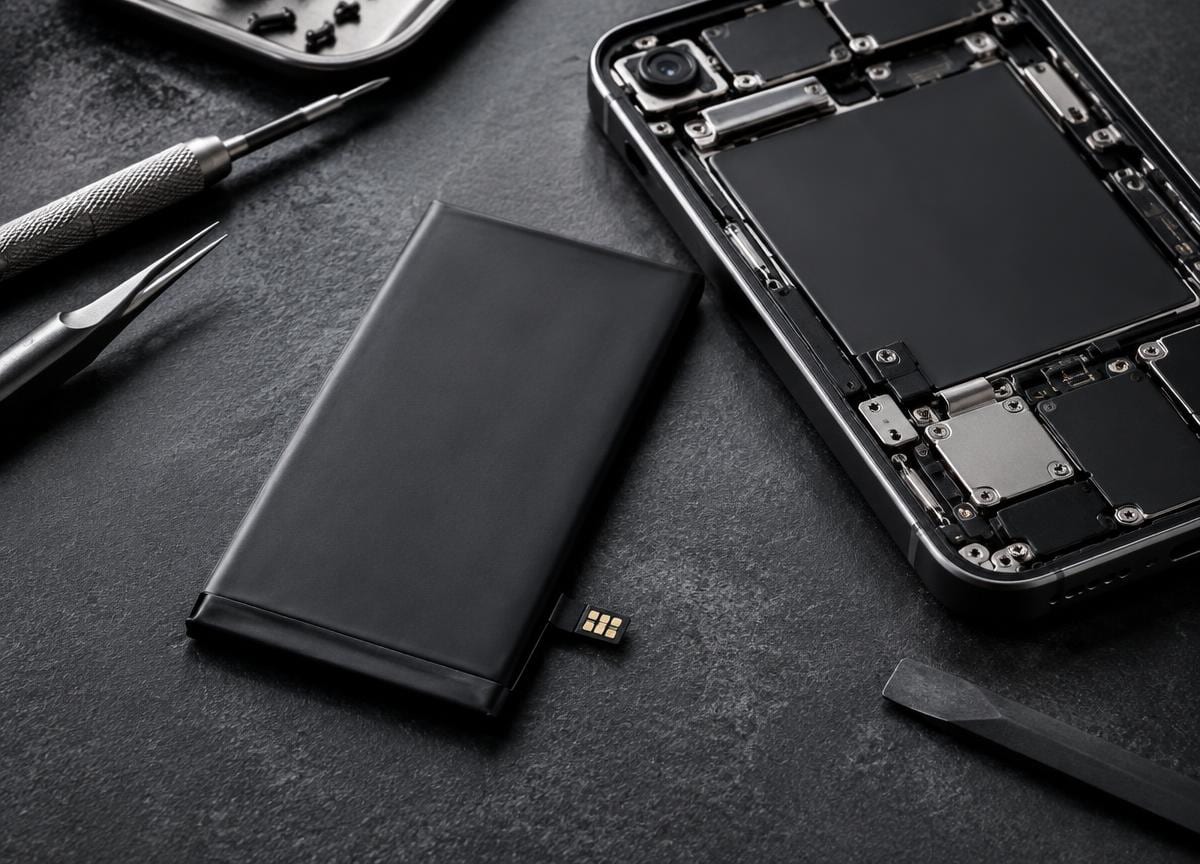
Review any battery-health information available, and ask what has been repaired or replaced. Confirm the exact price, included accessories and return terms directly with the seller before paying. Do not rely on assumptions about condition.
Test the phone thoroughly, confirm it can be activated under your own account and get the sale terms clear before payment.
This article is general information, not a diagnosis for a specific device. If you need help with your phone, contact Sulfur Tech about your particular issue.